Skip to content

Painting contractors

Walk it.
Bid it.
Get paid.

Price the rooms. Send the estimate. When they sign, put the crew on the schedule, buy the gallons, and collect the deposit.

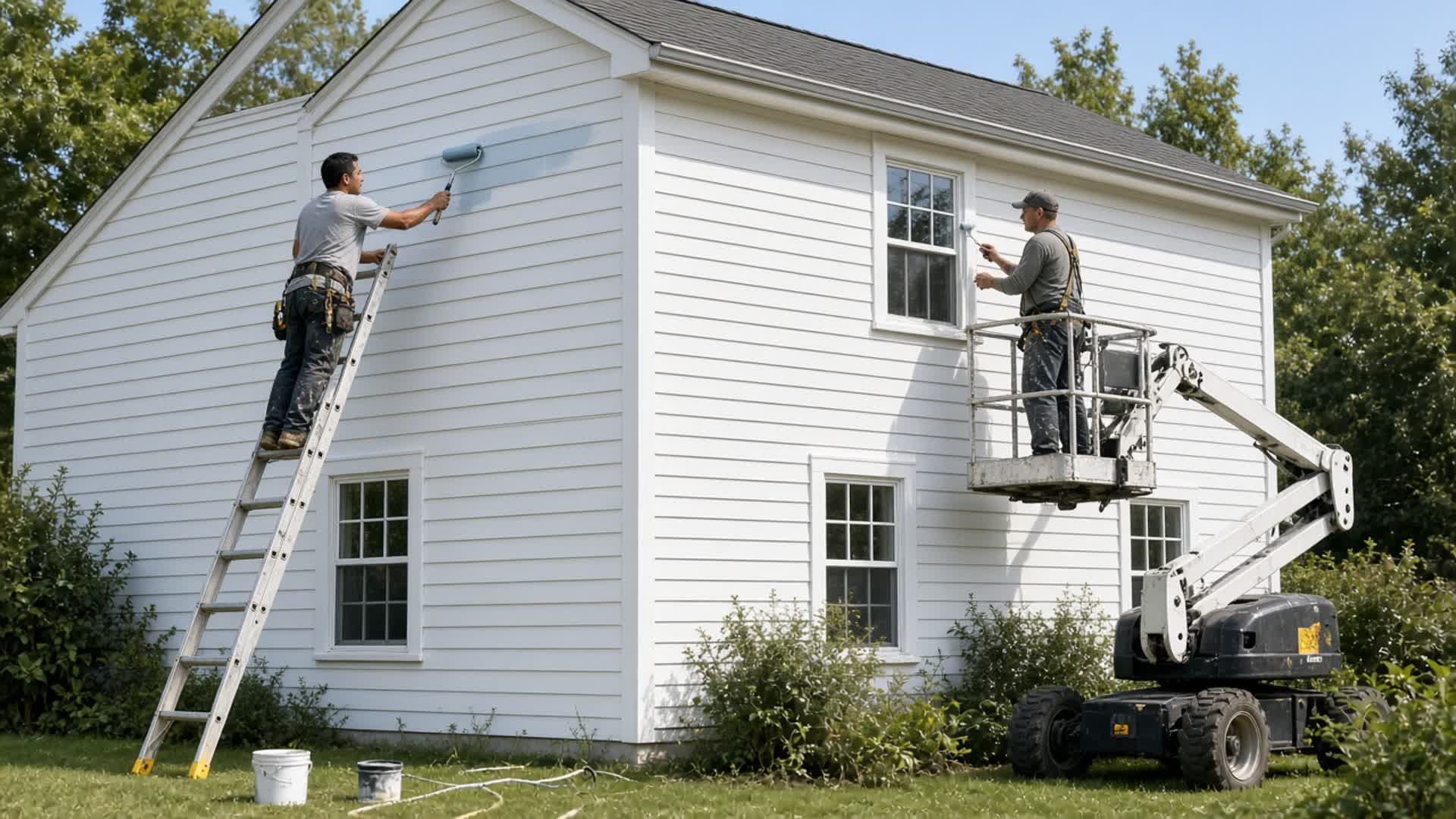
Two painters repainting the siding of a house. One rolls sage green paint while the other cuts trim from a ladder.
Exterior repaint. Price it before the first coat.

The key

Hook up your AI. It does your work. Nothing more.

Make a key in PainterApps. Connect Grok Bot or another assistant. It can build an estimate, see who owes you, schedule the crew, update a job, and look up a product. It can only do what you can do.

  • “Build the bid for the Oak Street repaint.”
  • “Who still owes us this month?”
  • “Who is on the schedule this week?”
  • “Add a change order for the extra bedroom.”
  • “How many gallons do we still need?”
  • “Open a callback on the closed job.”

From the lead to getting paid

  1. 01

    Lead

    Name, address, and what they want painted.

  2. 02

    Bid

    Rooms, coats, and a price you can stand behind.

  3. 03

    Signed

    They accept the estimate. That price is the job.

  4. 04

    On the wall

    Crew, dates, prep, prime, and paint.

  5. 05

    Punch

    Walk it. Mark what's left. Close it.

  6. 06

    Paid

    Deposit, progress, and the balance.

The bid

Price it by the room.

Walls, ceilings, and trim. Square foot, lineal foot, or each. Take the openings out. Set prep, primer, and how many coats. Pull the product and the color from your list. If a surface has no product, it is not priced.

  • Good, better, and best. Allowances and alternates.
  • Send the estimate. They accept it on the link.
  • Extra work after they sign is a change order.
  • A lost bid gets a reason. A sent bid can come back to draft until they accept or pay.

A painter rolling off-white paint on a living room wall while another painter cuts the ceiling line from a step ladder.
Interior. The number comes from the rooms.

Getting paid

Deposit first. Then the rest.

Once they sign, bill the deposit, a progress draw, or whatever is still owed. Record the check. The owner and accounting see what came in and what is still open. The field does not see those numbers.

  • The invoice starts from the signed price.
  • Payments and refunds stay on the job.
  • Card payments are not taken on the customer link. The office records the check.
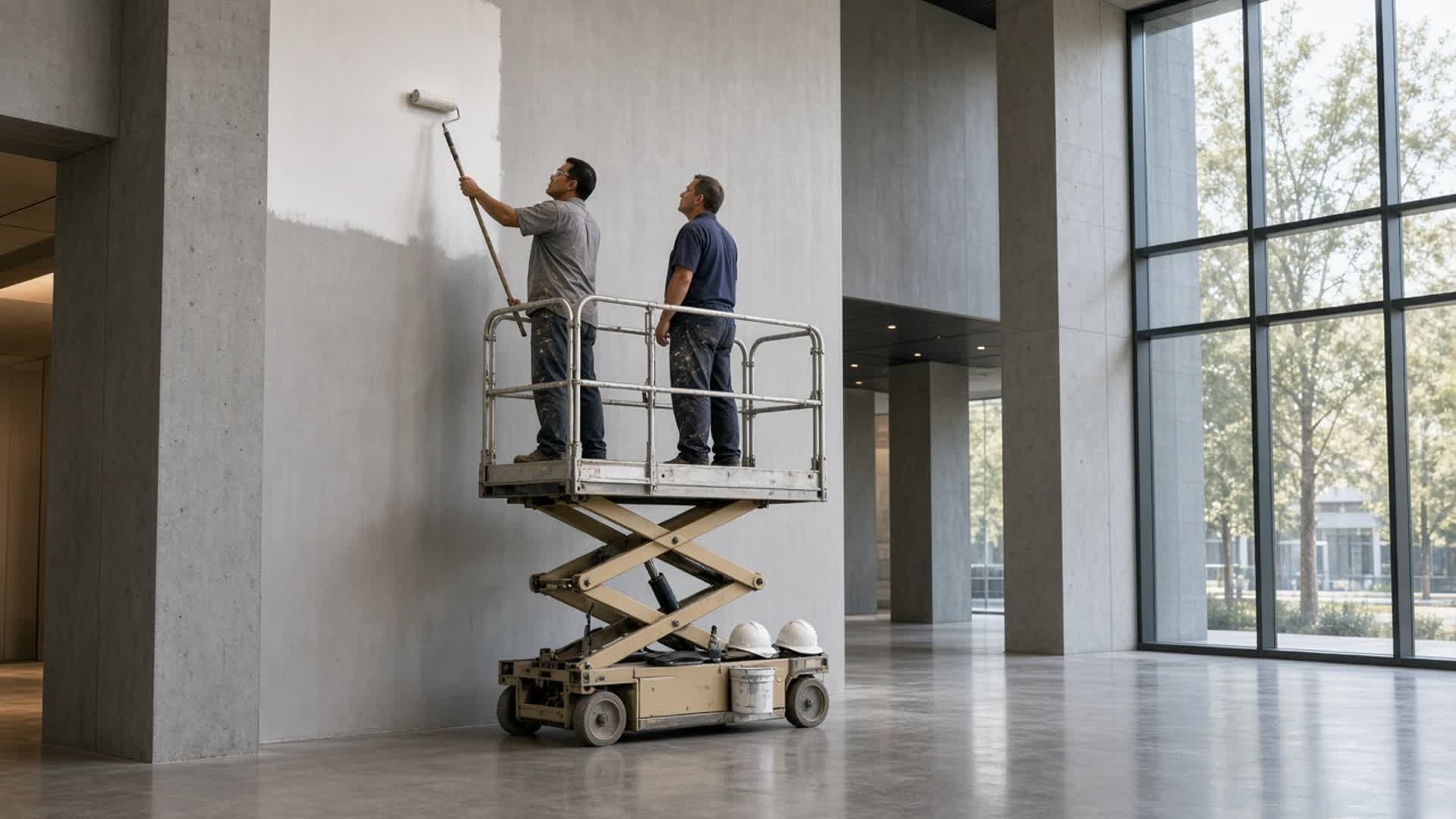
Two painters on a scissor lift rolling white paint on a tall wall inside a commercial lobby.
Houses and commercial work on the same list.
A painter in a respirator and coveralls spraying light gray paint onto the siding of a house.
Prep, prime, roll, or spray.

On the job

From booked to closed.

  • Move it: booked, scheduled, in progress, walkthrough, closed.
  • Hold it for weather. Set the start and the finish.
  • Write the note the crew sees on site.
  • Punch list, photos, and the gallons still to buy.
  • A callback opens on a closed job.

Crew

Your painters, or a sub.

Put the project manager, the superintendent, the foreman, and the painters on the job. A named in-house crew and a sub can both be on it. The sub has a price, a pay number, and a rating when the job is done.

A painting crew at a two-story house. One painter rolls from an extension ladder and another works from a boom lift.
Ladder and lift. The schedule says who is up there.
  • Owner

    Bids, jobs, the paint list, crew, subs, the books, and every key.

  • Project manager

    Bids, jobs, customers, the schedule, and subs. Sees the price. Does not see cost.

  • Field superintendent

    Jobs and the schedule. Weather holds, dates, and the crew. No price.

  • Job foreman

    Who is on the job, the dates, and the note the painters read. No price.

  • Painter

    The jobs they are on. No customer name. No price.

  • Accounting

    Invoices, payments, hours, and who still owes. Does not build bids.

The customer

They get a link. Not a login.

They read the estimate you sent and accept it. They can see their invoices, payments, and messages. A color choice on that page does not change the price. If the estimate is tied to them, they can make a key that opens only their own records.

  • Accept the bid from the link.
  • Accept a change order.
  • Their key cannot open the next job.
A painter holding color chips against a kitchen wall while a homeowner chooses a color.
Color talk. The sent price stays the sent price.

Connect it

Three steps. Then ask it.

  1. 1Log in. Open Connect your AI.
  2. 2Make a key. Name it. Full access, or look only. 30, 90, or 365 days.
  3. 3Paste the address and the key into Grok Bot, Cursor, Claude, or ChatGPT.

The connection is called MCP. You do not have to learn it. The paste block is on the Connect page after you log in. The secret shows once.

A job foreman reviewing a tablet on an interior job while a painter rolls a wall behind him.
The foreman has the schedule. The key lets the assistant use it too.

Questions

What is the key?

A key for one person. Connect it to Grok Bot or another assistant. The assistant can do what that person can do in PainterApps, and nothing past that. A painter's key cannot see the books. A customer's key cannot see the next house.

Can the painter see the price?

No. Painters see the jobs they are on, without the customer name and without the price. The owner, the project manager, and accounting see the price. Cost stays with the owner and accounting.

How does the customer say yes?

You send the estimate. They open the link and accept it. A color they pick on that page does not change the price you sent. Extra work after that is a change order.

How do we sign in?

The crew uses Log in. New people are added in the company, then they use that login. Forgot password is on the login page. Customers do not use this page. They use the estimate link.